
Digital ID Cards
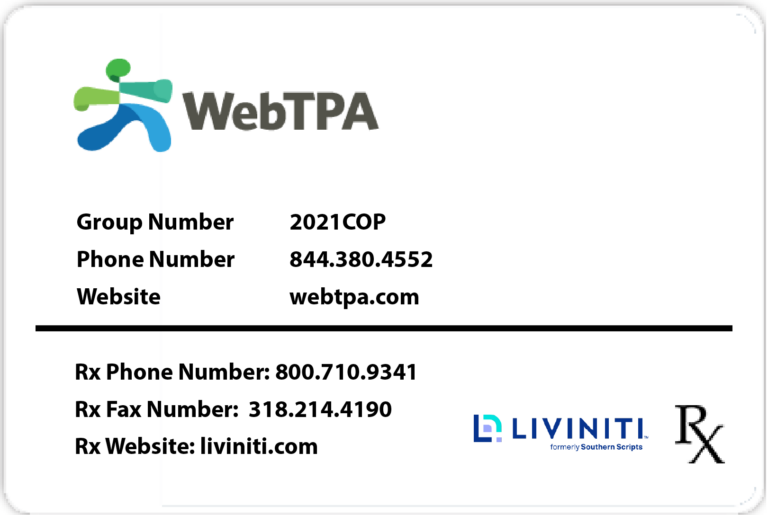
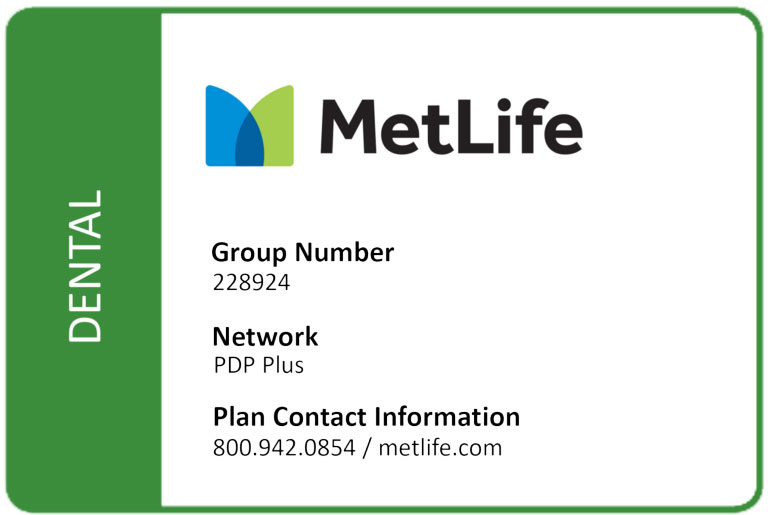
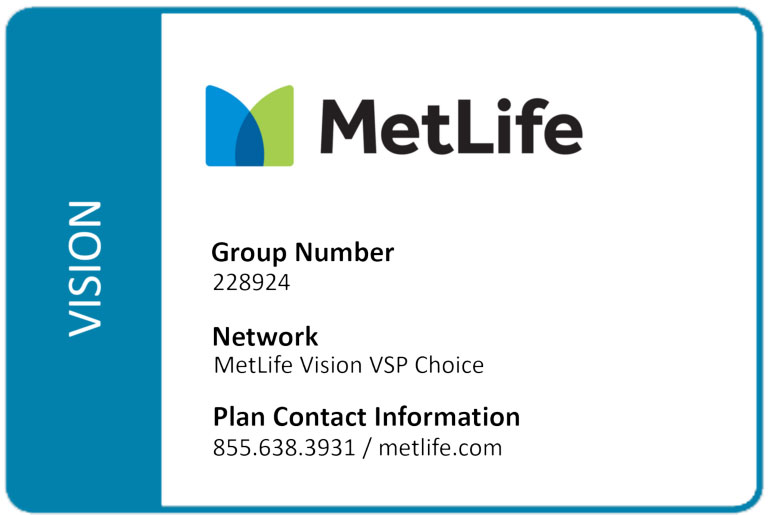
These digital ID cards contain the City of Plano’s actual membership information, including the provider group number and phone number.
These are not examples. Please keep this information secure and use it when accessing care or contacting your health plan.
Medical & Rx
Dental
Vision
Need a New Physical Copy of Your ID Card?
ID cards will be mailed directly to your home, and you will receive three ID cards.
If you need additional cards, you may order them through the carrier’s member portal.
The medical and prescription plans are on the same card with a list of dependents.
The dental and vision cards only list the subscriber.
WebTPA Medical ID Card
- Go to webtpa.com.
- Click “Login” then “Member Log In.”
- Click “Create Account,” read the License Agreement, then click “Accept.”
- Enter your Social Security number or member ID (found on your WebTPA ID card), ZIP code, and date of birth.
- Create your username and password and confirm your information.
- Click on “Print or Request an ID Card.”
You can also access your ID card through the WebTPA mobile app, available for Android and iPhone users.
Please note: Members must create an online account at webtpa.com before logging in to the mobile app.
MetLife Dental & Vision ID Cards
- Go to metlife.com/mybenefits, enter “City of Plano, Texas,” then click “Next.”
- New users will click “Register” and complete the registration process.
- After entering your personal information, you will receive a code via text message or voice message.
Enter this code to continue the registration process. - Create a unique username and password, answer three verification questions, then agree to the Terms of Use.
You can also access your ID card through the MetLife MyBenefits mobile app, available for Android and iPhone users.